Analytics Tracking Automation Review
AI skill for GA4 + GTM event tracking: site analysis, schema design, and go-live
Agent Skills · Open Source · OPEN SOURCE
Overview
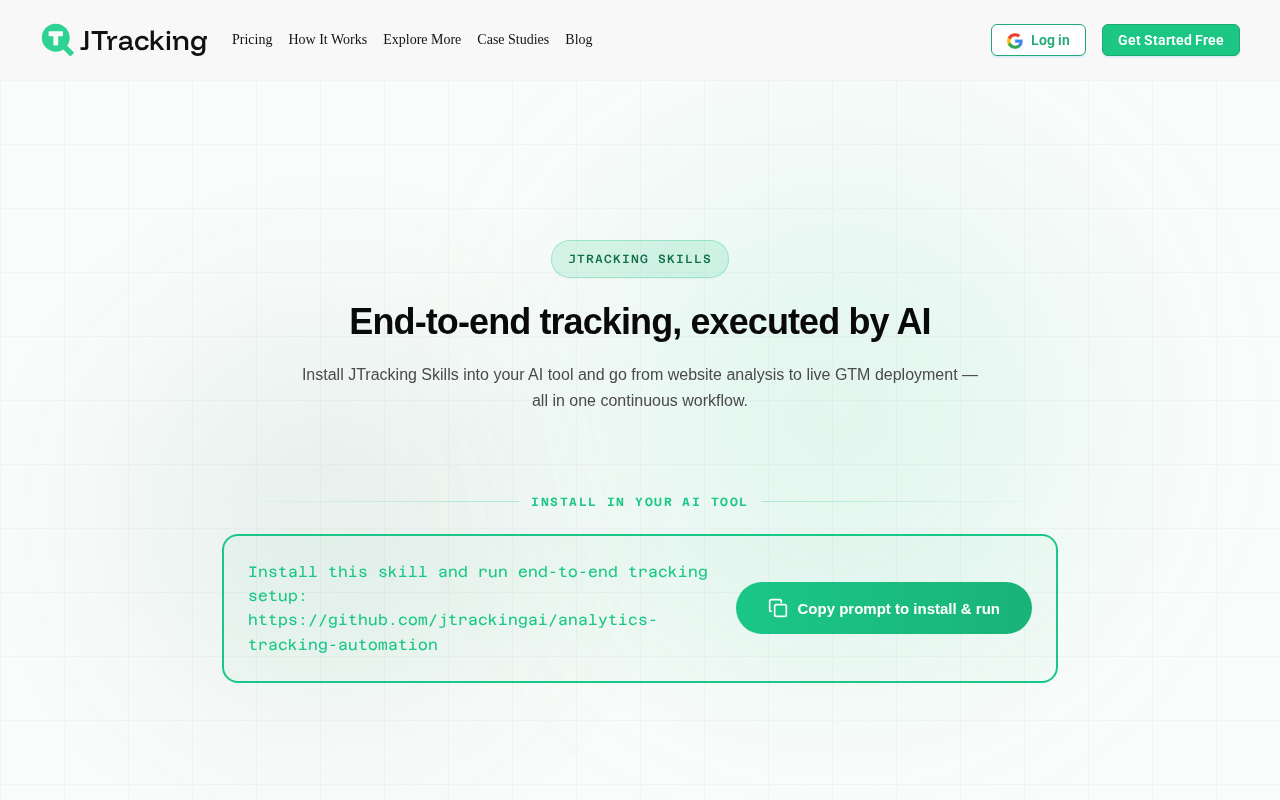
Analytics Tracking Automation solves a specific, annoying problem: setting up GA4 and GTM event tracking correctly. Most marketing teams either skip proper tracking setup or pay a consultant $2,000 to do it. This skill automates the workflow from site analysis to go-live. You give it a URL, and it analyzes the site, groups pages by business purpose, designs a GA4 event schema, produces GTM-ready outputs, and walks you through verification before publishing. It handles both generic websites and Shopify storefronts. The workflow is artifact-backed, meaning each step produces a reviewable file you can inspect before moving on. The site analysis groups pages into business categories (product, checkout, blog, support) so the event schema maps to actual user journeys rather than generic pageview tracking. The GTM output includes the container configuration, trigger definitions, and variable setup. Verification guidance tells you what to check in GTM preview mode before you publish. If you stop halfway through, the artifacts let you resume where you left off. Installation is npm-based: clone the repo and run npm run install:skills, or use npx skills add jtrackingai/analytics-tracking-automation for a no-clone install. It works on Cursor, Codex, and any agent that reads the skill format. The ClawHub publish path strips executable runtime files for marketplace safety. This is the narrowest tool in this batch, and that's its strength. It doesn't try to be a full marketing suite. It does one thing that every marketing team needs and few do well. At 134 stars, it's the smallest repo here, and the last push was April 2026, so it's not getting weekly updates. But the problem it solves doesn't change often. GA4's event model is stable, GTM's container format is stable, and the workflow from "we need tracking" to "tracking is live and verified" is well-defined. If you're setting up analytics for a new site or auditing an existing GTM mess, this saves you a day of spreadsheet work and a week of "is this firing correctly?" anxiety.
AI Capabilities
- Automated site analysis and page grouping by business purpose
- GA4 event schema design and review
- GTM-ready output generation with verification guidance
- Shopify storefront support
- Artifact-backed progress that can be resumed
Key Integrations
Pricing
Analytics Tracking Automation is free to self-host under the Apache-2.0 licence.
Free. Runs on Cursor, Codex, and any AI agent. npm-based install.
Review notes
Researched from public documentation, the source repository, and vendor materials. Not a hands-on test.
Give this skill a URL and it walks the full GA4 and GTM setup: it analyzes the site, groups pages by business purpose, designs a GA4 event schema, produces GTM-ready outputs, and runs you through verification before anything goes live. Shopify storefronts get their own handling. A workflow that normally costs a $2,000 consultant becomes a session that leaves reviewable artifacts at every step, so nothing happens invisibly.
The honest caveats: the schema it proposes is a starting point, not the final word, and your team should sign off before publishing, since a bad event model is worse than none. The project is young with a small community, and the skill is only as current as the GA4 interface it documents. For teams stuck with no tracking at all, it is a fast rescue that beats another quarter of guessing.
Verdict
Free and fast if tracking keeps slipping through the cracks. Review every schema it proposes before publishing anything.
Pros and cons
| Pros | Cons |
|---|---|
| ✓ Apache-2.0 licence with free self-hosting | ✗ Young project (136 GitHub stars) - smaller community and plugin ecosystem |
| ✓ AI capabilities: automated site analysis and page grouping by business purpose | |
| ✓ Native integrations include GA4, Google Tag Manager, Cursor (5 listed) |
Building your martech shortlist?
The weekly newsletter: one tool teardown, one workflow, no fluff. Free.
Frequently asked questions
What is Analytics Tracking Automation?
AI skill for GA4 + GTM event tracking: site analysis, schema design, and go-live. It ships with automated site analysis and page grouping by business purpose, 136 GitHub stars. MartechSignal's review covers features, pricing, and how it compares to alternatives.
How much does Analytics Tracking Automation cost?
Analytics Tracking Automation is open source - Apache-2.0 licensed and free to self-host; the public repository carries 136 stars; native integrations cover GA4, Google Tag Manager, Cursor. You pay in server time and maintenance, not licences.
Is Analytics Tracking Automation a good Agent Skills tool in 2026?
Free and fast if tracking keeps slipping through the cracks. Review every schema it proposes before publishing anything.