Chatwoot Review
Open-source customer engagement suite with Captain AI and full self-hosting
Open-Source Tools · Open Source · OPEN SOURCE
Overview
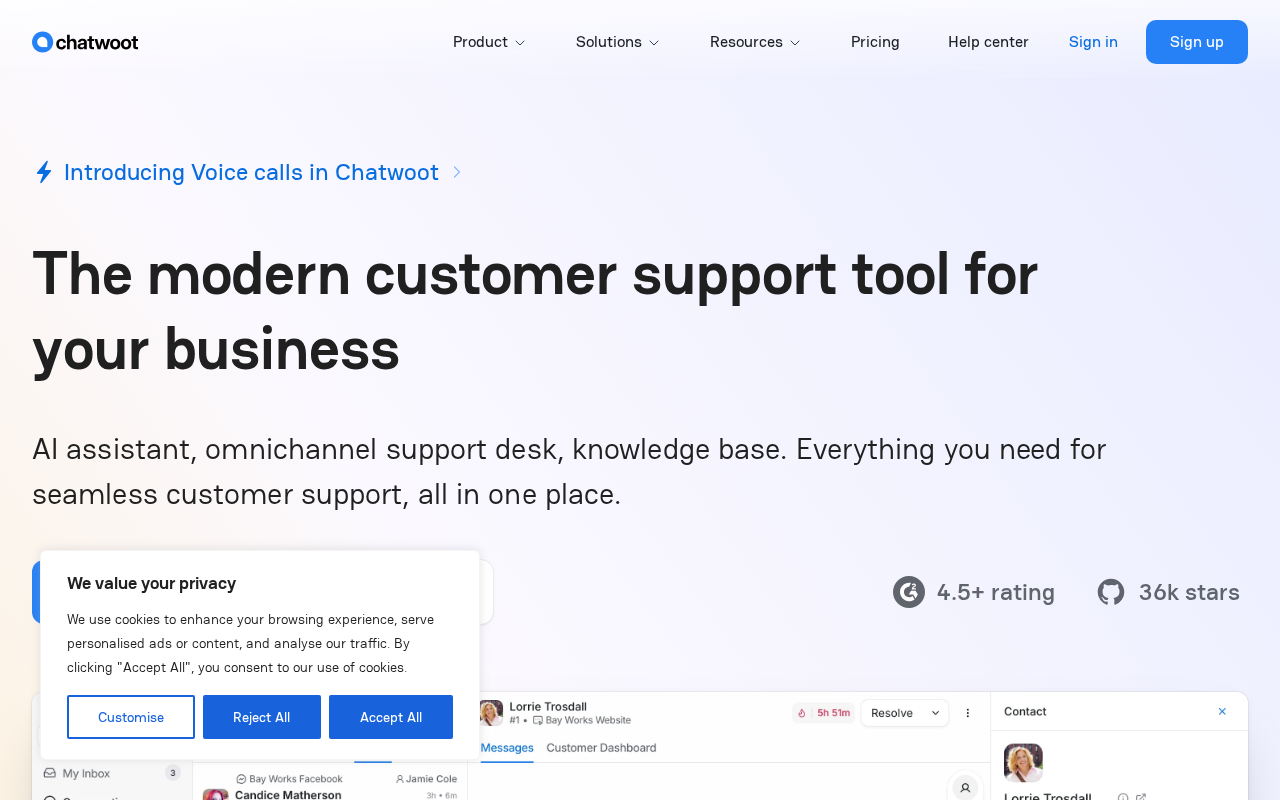
Chatwoot is an open-source customer engagement platform that folds website live chat, email, WhatsApp, Telegram, Facebook, Instagram, SMS, LINE, TikTok, and an API channel into one team inbox, self-hostable or rented as cloud. The stack is Ruby on Rails with Vue, Sidekiq, Redis, and Postgres 16 with pgvector, and the repo sits near 36,600 GitHub stars with v4.17.1 released in August 2026. Self-hosting is genuinely first-class: the Docker guide pulls chatwoot/chatwoot:latest, fetches the production compose file and .env example from the repo, runs db:chatwoot_prepare, then docker compose up -d, and a Linux installer script (cwctl) targets Ubuntu 24.04 with Heroku and DigitalOcean one-click paths documented. Documented sizing is 4GB RAM and 4 cores for up to 10,000 conversations a day, doubling for 20,000. AI arrives as Captain, positioned as the AI agent for customer support: an Assistant that answers first-response questions from your help centre, a Copilot that drafts and translates replies for agents, Memories that keep per-customer notes, reply suggestions, summarization, and content gap detection that surfaces questions your help centre does not answer. Captain is credit-metered, 1 credit per message, with 300,500, and 800 monthly credits on the paid cloud tiers and extra credits at $20 per 1,000; on self-hosted installs it requires Enterprise Edition with a paid plan plus your own OpenAI API key. Cloud pricing per agent per month billed annually is $0 (Hacker, 2 agents, 500 conversations), $19 (Startups), $39 (Business), and $99 (Enterprise with SSO and audit logs). Documented integrations are thinner than our earlier record claimed: Slack, Linear, Dialogflow, Google Translate, Cloudflare RealtimeKit, and LeadSquared are live, with Shopify and HubSpot listed for Q4 2026, so plan on the REST API and webhooks for the rest.
AI Capabilities
- Captain Assistant (AI chatbot)
- Captain Copilot (agent assist)
- Captain Memories (auto customer notes)
- AI reply suggestions
- AI conversation summarization
- Smart FAQs content gap detection
Key Integrations
Pricing
Chatwoot is free to self-host, paid plans start at $19/mo.
Community Edition free self-hosted (MIT Expat; the enterprise/ directory is separately licensed). Cloud: Hacker free (2 agents), Startups $19, Business $39, Enterprise $99 per agent/mo billed annually. Captain AI credits $20 per 1,000
Current plans and limits live on the Chatwoot pricing page.
How to install
- Docker, the documented default: wget -O .env https://raw.githubusercontent.com/chatwoot/chatwoot/develop/.env.example, wget -O docker-compose.yaml https://raw.githubusercontent.com/chatwoot/chatwoot/develop/docker-compose.production.yaml, then docker compose run --rm rails bundle exec rails db:chatwoot_prepare and docker compose up -d.
- The production compose file pairs chatwoot/chatwoot:latest with pgvector/pgvector:pg16 and redis:alpine, so Postgres with pgvector and Redis arrive with the stack. Upgrades are docker compose pull, docker compose up -d, then the db:chatwoot_prepare step again.
- Linux VM alternative: wget https://get.chatwoot.app/linux/install.sh, chmod +x install.sh, ./install.sh --install. The same script installs as cwctl for day-two management, and the docs target Ubuntu 24.04.
- Hosted paths also documented: a Heroku deploy button and DigitalOcean 1-Click Kubernetes, plus a Helm chart for Kubernetes and an AWS guide.
- For the community edition image specifically, the -ce tags (latest-ce) exclude the enterprise directory code; the self-hosted FAQ covers what the paid Enterprise Edition unlocks.
Requirements
4GB RAM and 4 cores is the documented minimum and supports up to 10,000 conversations a day (8GB and 8 cores for 20,000), with at least 1GB of swap, Redis 7.0 or higher, Ruby 3.2 or later for source installs, and Postgres as the only supported database. Self-hosting means you own upgrades, backups, and channel credentials.
Best for
Technical support and success teams that want a self-hosted inbox across web chat, WhatsApp, email, and social DMs without per-seat SaaS costs, and that can run Rails, Postgres, and Redis themselves. The API, webhooks, and agent bots make it a reasonable base for custom support tooling.
Not for
Teams that expect a broad native integration catalog out of the box (six integrations are live; Shopify and HubSpot are roadmap items for Q4 2026), and non-technical teams that want AI features without an OpenAI key: Captain on self-hosted requires Enterprise Edition with a paid plan.
Review notes
Assessed from the repository, developers.chatwoot.com, and chatwoot.com in September 2026; we have not run a Chatwoot instance. The repo is healthy: 36,581 stars, v4.17.1 released August 27, 2026, and a commit log that has not slowed since the 2019 open-sourcing.
The pricing correction is significant. Our record listed Hacker at $19/month and Startups at $49/month, and both are wrong against the current page: the ladder is Hacker at $0 (2 agents, 500 conversations a month, live chat only), Startups at $19, Business at $39, and Enterprise at $99, all per agent per month billed annually, with conversation retention rising from 30 days to 1, 2, then 3 years. The self-hosted page mirrors it with Community Edition free, Premium Support at $19, and Enterprise Edition at $99 per agent monthly.
The license needs qualifying too. The LICENSE file grants MIT Expat to content outside named directories and states that everything under the enterprise/ directory follows enterprise/LICENSE, which is why GitHub reports the repo license as NOASSERTION rather than MIT. Calling the whole project MIT, as we did, overstates it: the community edition is MIT, and the AI and premium features live behind the enterprise directory and its paid licence.
Two data fixes follow from that. Our AI list included sentiment analysis, which appears nowhere in the Captain documentation, and auto-replies, which is not an official feature name; the documented set is Assistant, Copilot, Memories, reply suggestions, summarization, and content gap detection, with label suggestions and audio transcription also consuming credits. Our integration list named WhatsApp and Telegram, which are channels rather than integrations, plus Zapier, Salesforce, Google Analytics, and HubSpot, none of which appear on the live integrations page: the shipped list is Slack, Linear, Dialogflow, Google Translate, Cloudflare RealtimeKit, and LeadSquared.
Company facts were also off: Bangalore appears on no live page, the team page describes a distributed team across the United States and India, and the Y Combinator profile lists founding year 2020, the W21 batch, and San Francisco as headquarters. The project itself was open-sourced in 2019, which is the year worth keeping in the timeline.
Verdict
The strongest self-hostable support inbox in open source, with real AI now bolted on behind a paid licence; budget for infrastructure and for writing your own integrations.
Pros and cons
| Pros | Cons |
|---|---|
| ✓ Open-source licensing with free self-hosting | ✗ Paid plans start at $19/mo once past the free tier |
| ✓ AI capabilities: captain Assistant (AI chatbot) | |
| ✓ Established community (36,644 GitHub stars) | |
| ✓ Native integrations include Slack, Linear, Dialogflow (6 listed) |
Building your martech shortlist?
The weekly newsletter: one tool teardown, one workflow, no fluff. Free.
Frequently asked questions
What is Chatwoot?
Open-source customer engagement suite with Captain AI and full self-hosting. It ships with captain Assistant (AI chatbot), 36,644 GitHub stars. MartechSignal's review covers features, pricing, and how it compares to alternatives.
How much does Chatwoot cost?
Chatwoot has a free tier; paid plans start at $19/mo.
Is Chatwoot a good Open Source Tools tool in 2026?
The strongest self-hostable support inbox in open source, with real AI now bolted on behind a paid licence; budget for infrastructure and for writing your own integrations.
How much RAM and CPU does self-hosted Chatwoot need?
The requirements page states 4GB RAM as the required minimum and 4 cores as the recommended minimum, each supporting up to 10,000 conversations a day, with 8GB and 8 cores supporting 20,000. It also asks for at least 1GB of swap, Redis 7.0 or higher, and Ruby 3.2 or later for source installs. Postgres is the only supported database, and the production compose image ships Postgres 16 with pgvector for the AI features.
Can I use Captain AI on a self-hosted Chatwoot instance?
Yes, but not on the free community edition: the guide lists Chatwoot Enterprise Edition with a paid plan and a valid OpenAI API key as prerequisites. The default model is gpt-4o-mini and a self-hosted OpenAI-compatible endpoint can be supplied instead, and the docs note that in a self-hosted setup Captain only sends data to the model you choose. Captain has to be enabled in the Super Admin Console and then toggled on in the account's Premium Features.
What do Chatwoot's AI credits cover and how do they bill?
Every Captain action consumes 1 credit per message because a fixed model configuration is used, and the documented credit-consuming actions include assistant responses, Copilot lookups, editor actions such as rephrase, summarize, and suggest a reply, label suggestions, workflow model calls, and audio transcription. Paid cloud plans include 300 credits monthly on Startups, 500 on Business, and 800 on Enterprise, additional credits bill at $20 per 1,000, and purchased credits expire after 6 months and require an active subscription.